

STUDIO GUIDE
-
Upon arrival, please review this guideline in its entirety and share with your guests so that they may be informed. If you arrive and the studio does not reflect our expectations or if there is any damage to the studio/props please contact management.
-
The light switches are located in the front room to the right of the glass door. To adjust the thermostat, select the temperature, set the time and press {Hold}. You may change the {Heat/Cool} setting but please do not change the {Fan} setting.
-
To connect to the speaker you will need to connect to the wifi, open your music app, and select cast to Sonos Move. Please do not touch any of the setting buttons on the back. The speaker may be moved around the studio but please return it to the charging dock at the end of your session.
-
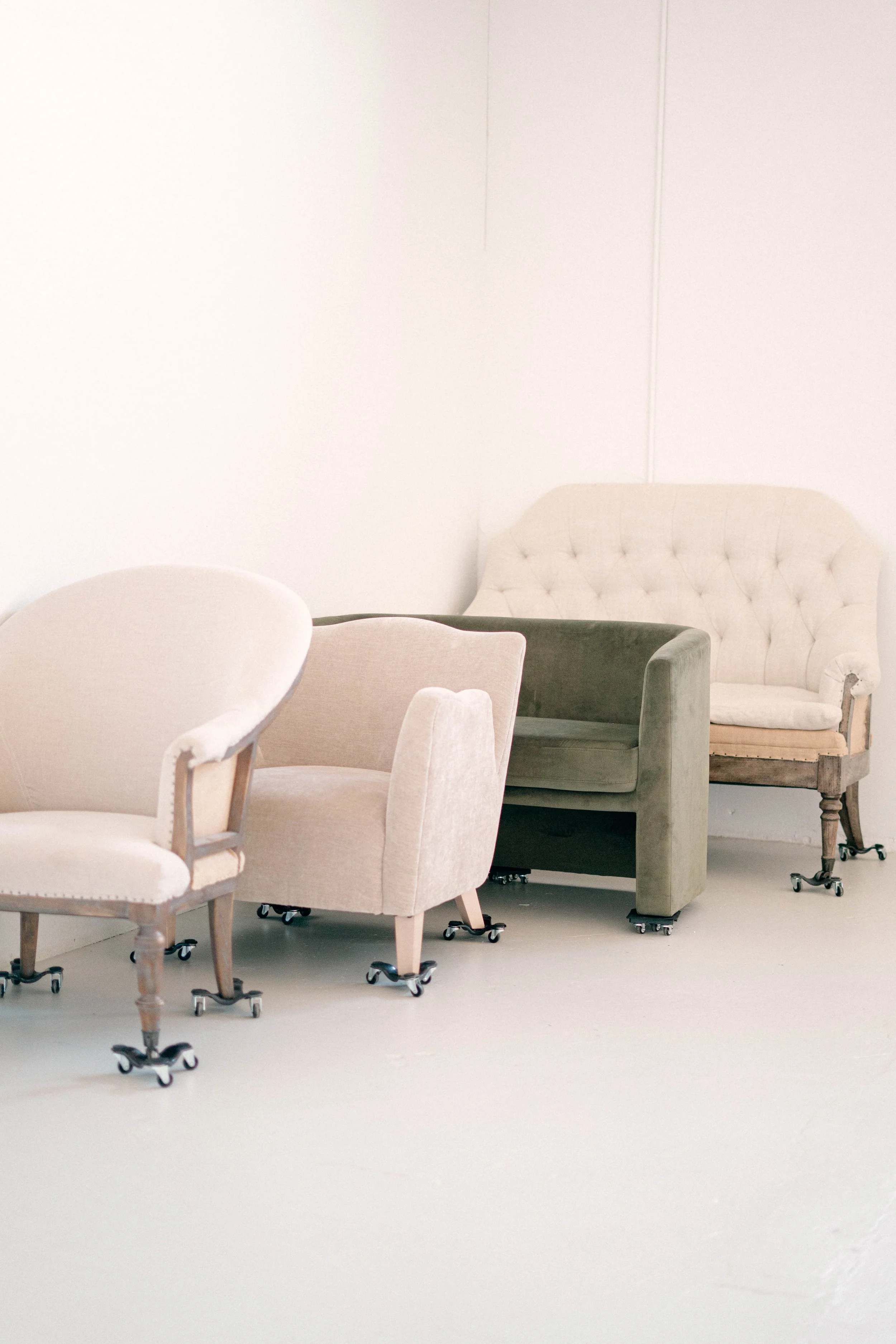
Please be courteous while using the props in the studio. Dollies must be used to move furniture. Please keep an eye on the clock to leave yourself enough time to clean up before the next guest arrives. If you need extra time please call management to see if your time can be extended.
-
All props and signage must be neatly returned to their original location. Please sweep up any debris (confetti, floral, food, etc.) and mop up any residue (beverages, frosting, etc). Please dump any liquid from cups before disposing and do not put any fowl smelling trash in our bins. Diapers and food need to be taken out with you.
-
Before leaving, please close the curtains, turn off all the lights, and close the double doors. After exiting the building you must press the lock button on the door. If you fail to lock the door you will be subject to a fee.
Check out the links below to learn more about Refined Studio.